
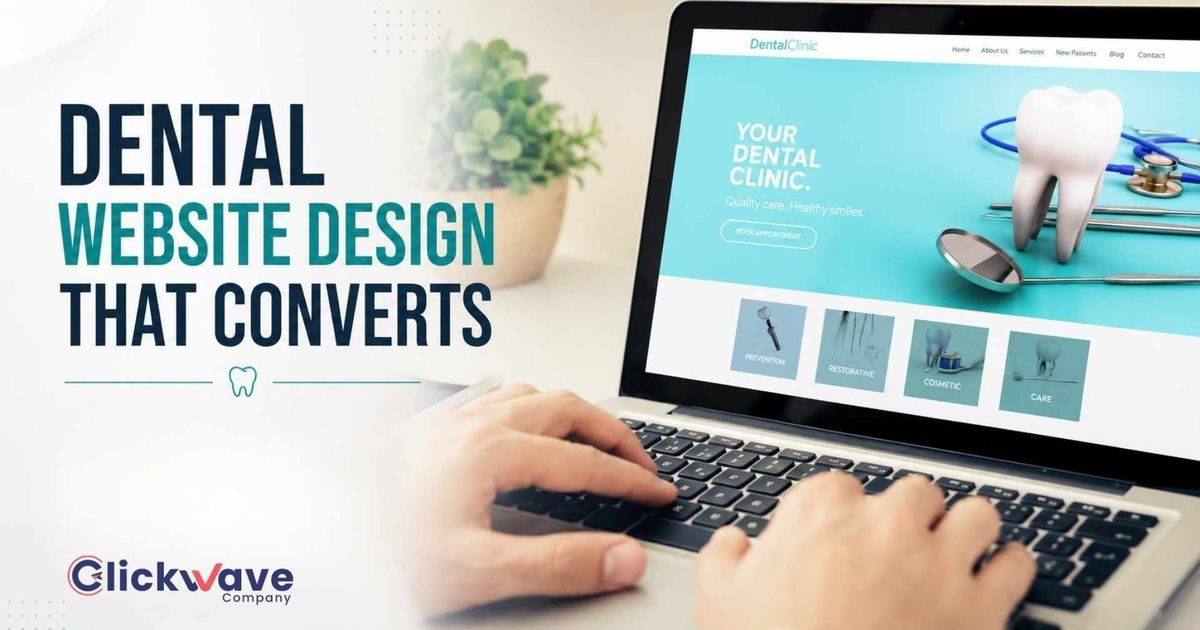
Most dental websites look professional. They have clean layouts, good photography, and a list of services. They also generate far fewer new patient calls than they should. The gap between a dental website that looks good and one that actually converts visitors into patients is specific and measurable, and it has very little to do with aesthetics.
This guide covers the elements that distinguish high-converting dental websites from expensive digital business cards, with specific details on what to include, where to put it, and why each decision affects whether a patient calls or clicks away.
The Core Problem With Most Dental Websites
Most dental websites are built to impress the practice owner, not to convert the patient. They feature large hero images of the office, a welcome message from the doctor, and a navigation menu with seven options. They are missing the two things every patient who lands on a dental website is looking for in the first five seconds: confirmation that this practice serves their area and offers what they need, and a frictionless path to booking.
High-converting dental websites are built backwards, starting from what the patient needs to see and feel to make a booking decision, then working outward from there.
The 7 Elements Every High-Converting Dental Website Must Have
1. Above-the-Fold Clarity
The area visible without scrolling, the above-the-fold section, determines whether a patient stays or leaves. It must communicate three things immediately: what you offer, where you are located, and how to book. A hero section that says 'Welcome to Bright Smiles Dental' with a stock photo of a smiling woman communicates none of these things. A hero section that says 'Family and Cosmetic Dentist in Grand Rapids, MI, Accepting New Patients' with a phone number and 'Book Online' button prominently placed communicates all three.
2. A Click-to-Call Phone Number Everywhere
Your phone number should appear in the top navigation bar, in the hero section, in the footer, and at the bottom of every service page. On mobile, where the majority of dental searches happen, the number should be a tap-to-call link. The number of dental websites that bury the phone number in a Contact page that requires three clicks to find is extraordinary. Every click between a patient's intent and your phone number is a patient lost.
3. One Dedicated Page Per Core Service
As covered in local SEO, a single 'Our Services' page does not rank and does not convert. A patient searching 'dental implants Grand Rapids' and landing on a page titled 'Dental Implants in Grand Rapids' that specifically covers the procedure, candidacy, cost, and what to expect converts at a dramatically higher rate than the same patient landing on a general services page where implants are listed alongside cleanings and whitening.
Each service page should include: an H1 with the service and city, a plain-language explanation of the treatment, who it is for, what the process involves, the cost range, and a FAQ section. The page ends with a clear CTA, "Book a Dental Implant Consultation," with a link to an online booking form or a phone number.
4. Trust Signals That Patients Actually Respond To
The trust signals that convert dental website visitors are specific: Google review count and average displayed visibly on the homepage (not just a link to Google, the actual stars and count), doctor biography with credentials and a real photo (not a stock image), and before-and-after photos for cosmetic services with appropriate consent acknowledgement. Generic 'We care about your smile' copy does not build trust. Specific credentials, visible reviews, and real results do.
5. Mobile-First Design and Speed
More than 60 percent of dental searches happen on mobile devices. A website that looks good on desktop and loads slowly or displays poorly on mobile is failing the majority of its potential patients. Mobile-first means: text readable without zooming, buttons large enough to tap without precision, forms that work correctly on small screens, and a page load time under three seconds on a mobile connection.
Page speed is also a Google ranking factor. A slow website does not just lose patients who leave, it ranks lower for the keywords that would have brought them in the first place.
6. An Online Booking Option
Patients increasingly expect the ability to book online rather than call during business hours. Practices that offer online booking as an alternative to calling see higher conversion rates from website visitors, particularly from evening and weekend searches when offices are closed. The booking option does not need to replace the phone, it needs to exist alongside it for patients who prefer not to call.
7. Schema Markup and Technical SEO Foundation
A beautiful website that cannot be found in search is not a marketing asset. Every dental website needs LocalBusiness schema markup so Google understands the practice's type, location, and services. Every service page needs properly structured H1, H2, and title tags. Every image needs descriptive alt text. The website must be served over HTTPS and pass Core Web Vitals for page experience. These technical requirements are not optional, they are the foundation on which everything else is built.
The Before-and-After Framework
When auditing a dental website, compare every page against two questions: What does a patient see? What can they do? A page that answers both questions clearly and reduces the number of clicks between intent and action is a high-converting page. A page that requires a patient to work to understand what you offer or to find how to contact you is a low-converting page, regardless of how professionally it looks.
Frequently Asked Questions
How much does a high-converting dental website cost?
A professionally built dental website that includes proper service page structure, schema markup, mobile optimisation, and a booking system typically costs $3,000 to $8,000 for initial development. Website builder templates in the $500 to $1,500 range almost never include the technical SEO foundation or service page structure that high-conversion performance requires. The cost of a poorly structured website is measured in missed patients over months and years, not in the initial build cost.
Should I redesign my website or just add pages?
If your current website has the right technical foundation, correct page structure, mobile performance, schema markup, adding dedicated service pages is often more cost-effective than a full redesign. If the technical foundation is flawed, adding pages to a broken structure extends the problem. A website audit will tell you which situation you are in before you commit to a direction.
What is the most important page on a dental website?
Your homepage is the most visited page, but individual service pages drive the most patient conversions because they are what patients land on from search. A potential implant patient who lands on a dedicated implants page converts at a much higher rate than one who lands on a homepage and has to navigate to find what they are looking for. Service pages deserve as much attention in design and content as the homepage.
Should I use stock photography or real photos?
Real photos of your team, your office, and your patients (with consent) outperform stock photography for patient trust. Real photos signal authenticity in a way that stock images cannot. If real photos are not immediately available, professional stock photography is acceptable temporarily, but replace it with real photography as soon as possible, particularly for doctor biography pages.